Planning · checklist
What to prepare before ordering an NFC card or stand
A practical checklist for the purpose, destination, artwork, physical format, testing and ownership decisions needed before production.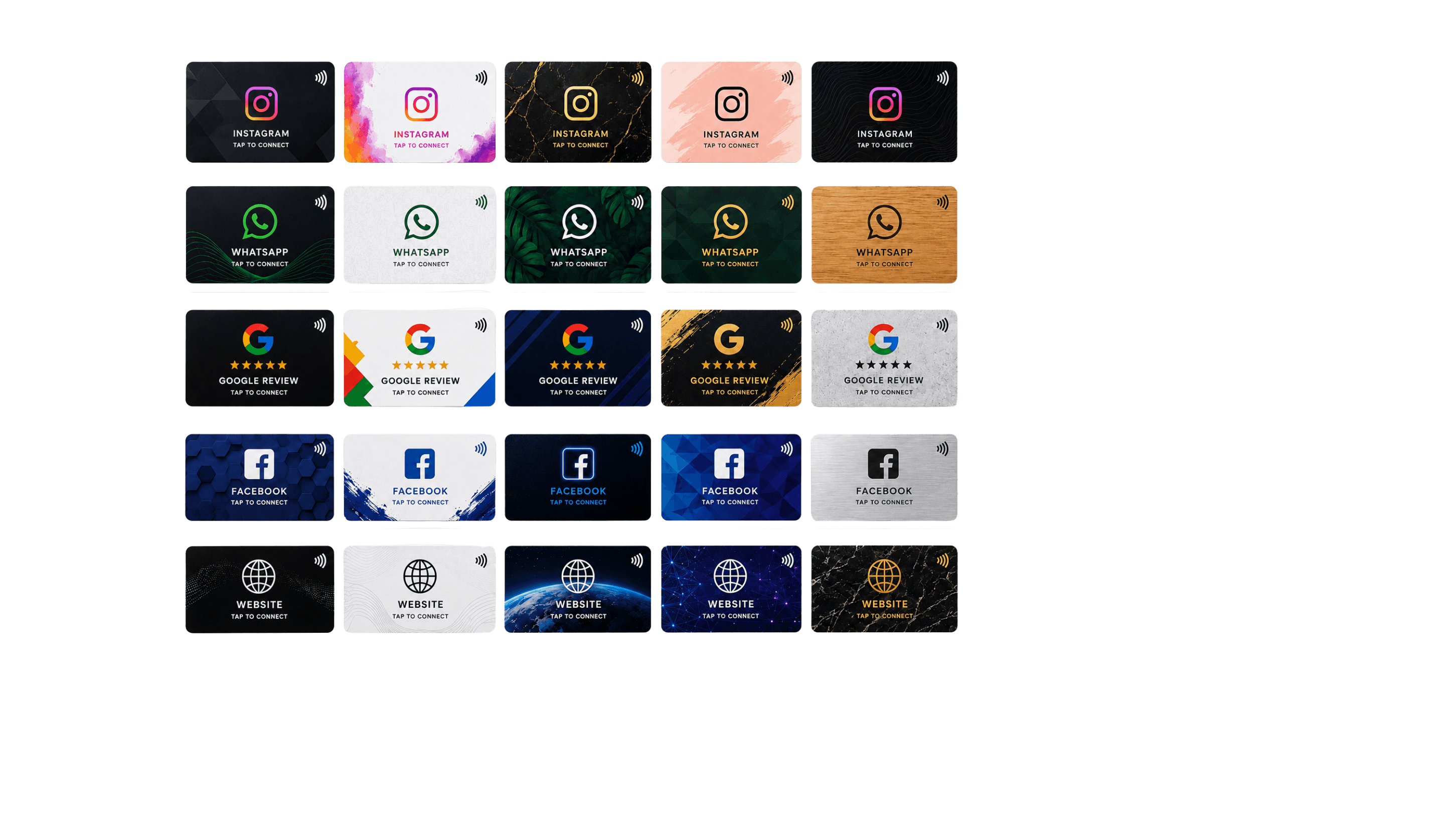
Reviewed for technical accuracy, practical usefulness and product neutrality.
Author: TapFlow Editorial · Reviewed by: TapFlow product team1. Define the customer action
Write one sentence: “When the customer taps, we want them to…” If the sentence contains several unrelated verbs, use a Smart Page or split the touchpoints.
2. Prepare and verify the destination
Use a complete HTTPS URL you control. Open it on mobile data, confirm the business identity and complete the intended action yourself.
Decide whether the physical product will store the final URL or a managed permanent redirect.
3. Collect production-ready artwork
Prepare the logo in the best available format, brand colours, text, icon choice and any mandatory legal information. Keep a safe area around important details and approve both sides.
4. Assign ownership
Choose who can change the destination, who checks it after business updates and who receives analytics or order notifications. A physical product can last longer than the page behind it.
5. Approve with a real-size proof
Check spelling, contrast, QR readability, tap cue and edge safety. Test on more than one phone before approving production.
Frequently asked questions
Can I decide the final link after ordering?
It is possible in a managed workflow, but defining the intended action before design usually produces a clearer product.
What file should I provide for a logo?
A clean vector file is ideal when available. A high-resolution transparent PNG can also work, depending on the production method.
Primary sources
Sources support technical facts. Practical recommendations are TapFlow editorial analysis.
- NFC TechnologyNFC Forum
- What NFC DoesNFC Forum
- NFC principles of operationNXP