Booking fundamentals · guide
How online booking works for customers and business owners
Understand services, staff, availability, slots, holds, confirmations, changes and notifications as one complete booking chain.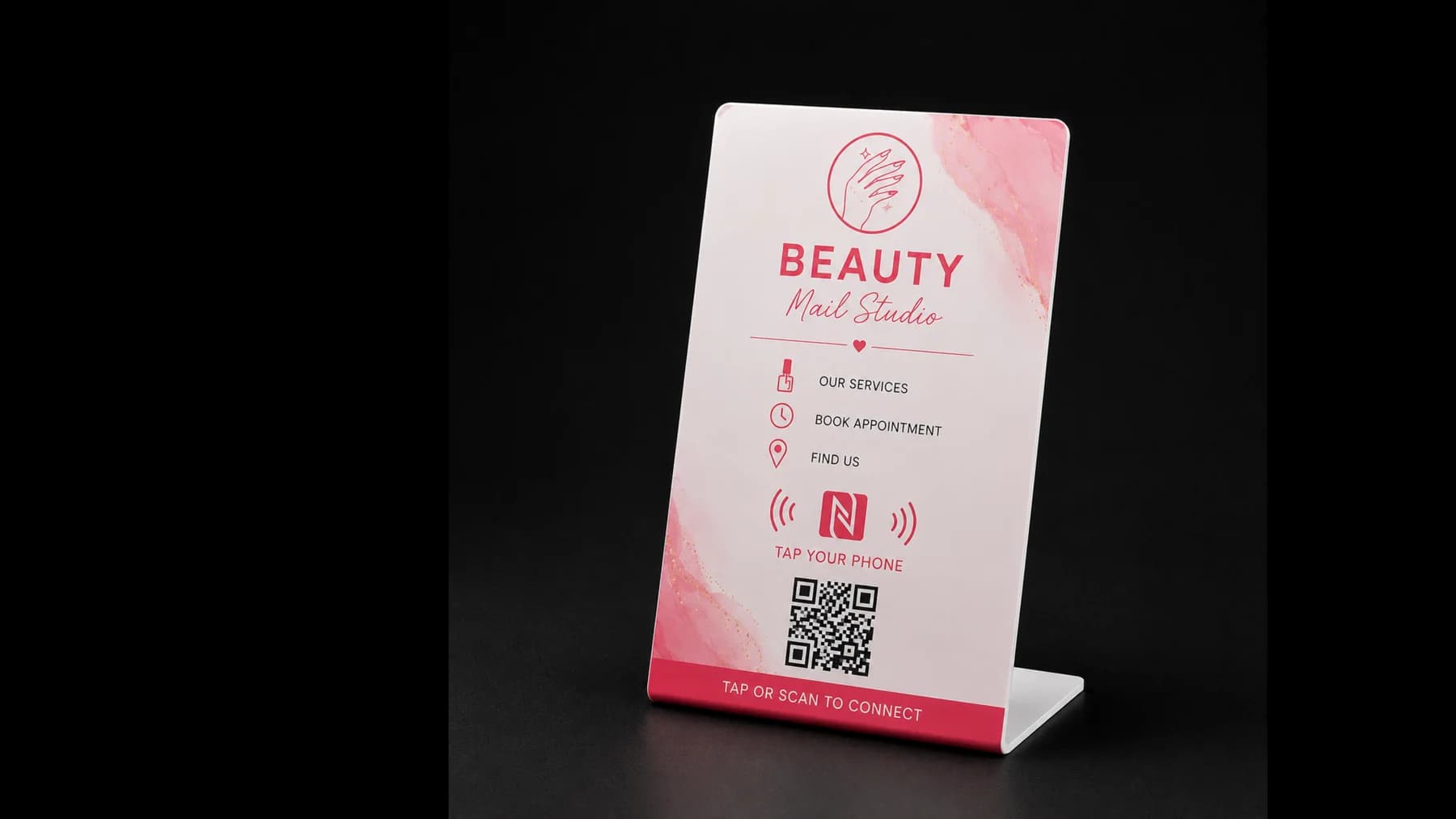
Reviewed for technical accuracy, practical usefulness and product neutrality.
Author: TapFlow Editorial · Reviewed by: TapFlow product team1. The business defines what can be booked
Each service needs a duration, active status and rules about which specialists or resources can provide it. Optional buffers protect preparation and cleanup time.
2. Availability is calculated
Working hours, staff schedules, breaks, blackout periods, existing bookings, duration and buffers are combined to produce valid start times.
The client should select from calculated slots, not type an arbitrary time that is checked only after submission.
3. The slot is reserved atomically
At submission, the server validates availability again and creates the booking in one protected operation. This matters because two people can view the same free slot at the same time.
4. Both sides receive clear information
The customer needs confirmation, date, time, service, location, change policy and contact path. The owner needs an unmistakable new-booking notification and a complete record in the dashboard.
5. The booking continues after creation
A real system supports confirmation, cancellation, rescheduling, completion and no-show states. Every change should preserve a timeline and update availability correctly.
Frequently asked questions
Why is availability checked twice?
The slot may change between page load and final submission. Server-side revalidation prevents stale availability from becoming a booking conflict.
Can booking be opened from NFC?
Yes. NFC can lead directly to a public booking page or a Smart Page containing the booking action.